
September 18, 2026
Home security camera buying guide for a smart choice
A home security camera buying guide that will help you compare models, choose the right coverage, understand storage and alerts, and find an affordable deal without buying unnecessary features for your home today.
The cheapest camera can seem like a bargain, until the moment it misses movement at the door, sends ten alerts for every leaf that moves, or requires a monthly payment that you didn't consider. Home security camera buying guide Designed to help you filter out the noise: choose a useful cover, understand what really affects the quality of photography, and find a product that fits your home and budget.
Not every home needs a complex system with several cameras and a control screen. For a small apartment, one camera in the entrance or living room area may be enough. In a house with a yard, parking and two entrances, you may need several shooting angles - but even then you should start from the important areas and not buy a large package just because it looks affordable.
Before buying: what exactly do you want to see?
Start with a short map of the house. The goal is not to photograph every meter, but to cover points where there is entry, traffic or expensive equipment. This is usually the front door, parking lot, gate, backyard, warehouse or interior corridor. A camera placed too high will see the heads of passers-by, but will not always allow face recognition. A camera that is too low may be easier to hide or damage.
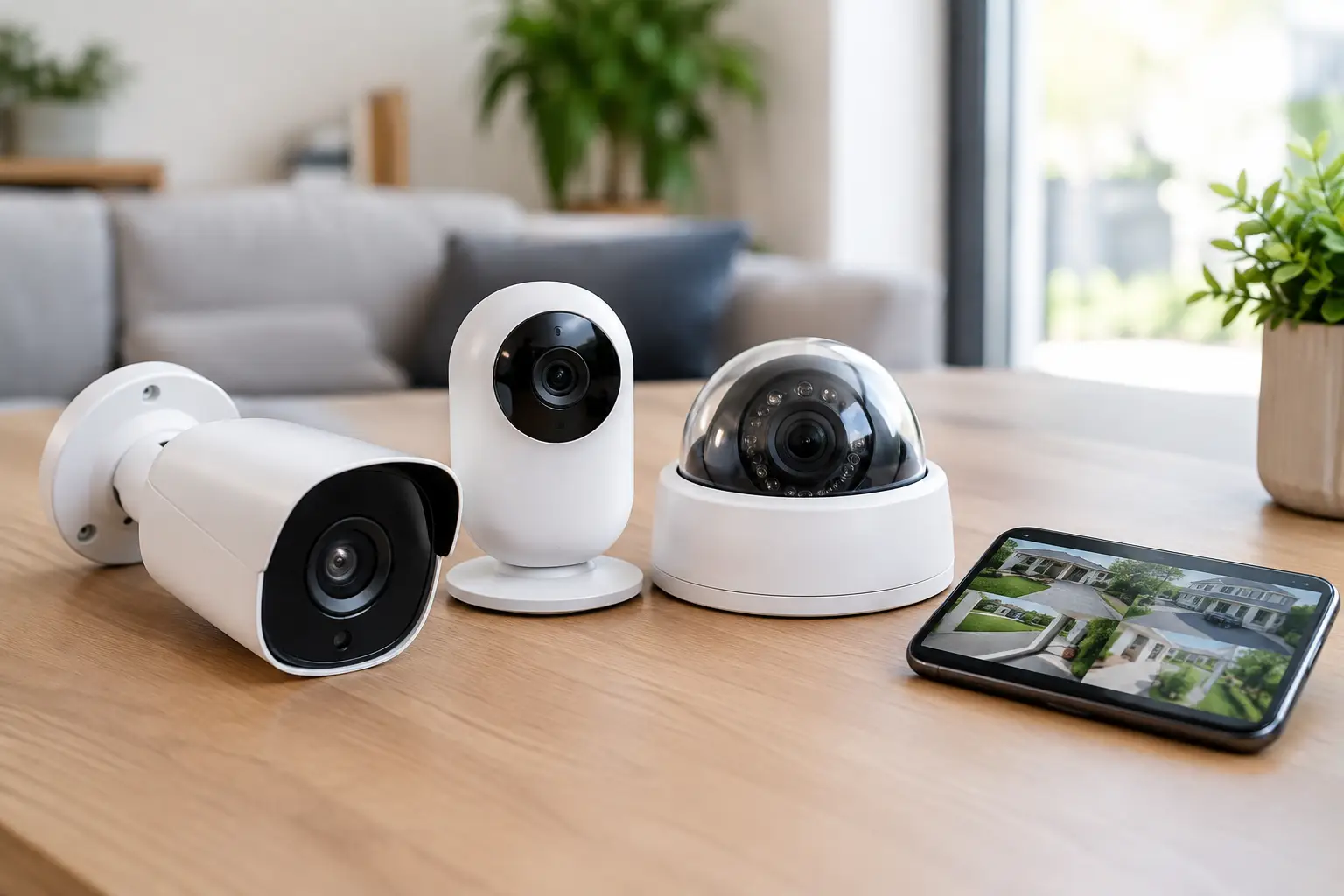
A face camera is suitable for checking children who have returned from school, pets or a central area of the house. An outdoor camera has to deal with rain, dust, direct sunlight and temperature changes. Don't assume that a normal camera will survive under a pergola just because it doesn't really stand up in the rain. Check that it has an impermeability rating, preferably at a level suitable for outdoor use, and that the connection to the electricity or battery is protected.
It is also important to decide whether you need a fixed camera or a rotating camera. A fixed model photographs a defined area, so it is simpler to plan and reliable when positioned correctly. A rotating camera can scan a wider area and track movement, but it doesn't shoot in all directions at the same time. On a small balcony or near a door, a good fixed camera will often give a more useful result.
Photo quality: don't be dazzled just by the resolution number
High resolution provides more details, especially when you want to enlarge a photo and identify a person or a license plate. A 2K camera will usually offer better detail than a basic HD camera, and 4K can be a good choice for wide open areas. But high resolution increases storage consumption and bandwidth, and sometimes also the price. If the camera only captures a narrow path near the entrance, a high-quality 2K will sometimes be a better deal than a cheap 4K with a weak sensor.
Night photography is the difference between a camera that calms you down during the day and a camera that provides useful information even when it's dark. Check if there is infrared lighting for black and white photography, or built-in lighting for color photography at night. Color photography can help identify the color of a car or garment, but the lighting may be noticeable to neighbors and disturbing in a quiet environment. In a dark parking lot, this is a feature worth considering; Facing a door in a lighted building, it is not always necessary.
Also pay attention to the shooting angle. A wide angle covers more ground, but distant people appear smaller. A narrow angle is suitable when you need to see a gate, car or door from a distance. A product description that promises a very wide angle sounds great, but doesn't replace smart camera placement.
Home security camera buying guide: connection and electricity
Most home models connect to a wireless network, which is especially convenient in apartments and houses where you don't want to run cables through the walls. Before ordering, check that the wireless reception is good at the installation point. A camera in a distant yard can be great on paper, but if the signal is weak it will disconnect, respond slowly or miss uploads to the cloud.
Most of the cheap cameras only support the 2.4 GHz network. This isn't necessarily a disadvantage - this frequency usually has better range through walls - but it must be available on your router when set up. If the house is big or the reception is weak, sometimes a cheap solution like a quality range extender is more effective than replacing a camera.
In terms of electricity, there are three main options: connection to an outlet, a rechargeable battery, or a permanent wired connection. A camera with a power cable is suitable for those who want continuous photography and do not want to remember to charge. A battery-powered camera is easy to install and useful in a spot without an outlet, but usually only takes pictures when motion is detected. A wired connection requires more planning and sometimes an installer, but it is suitable for a home where stability, prolonged shooting and less dependence on wireless are important.
A small solar panel can be a worthwhile addition to a battery powered outdoor camera, provided the location gets enough sun. It does not solve everything: in a shaded area or in the winter season, you will still need to check the charging status.
Notifications, motion detection and privacy
A quick notification to the phone is one of the main reasons to buy a security camera, but the number of notifications is just as important as the speed. A basic motion sensor might respond to shadows, rain, a cat or cars on the street. Look for an option to define a detection area, sensitivity level, and, if necessary, identify a person. That way you can focus on the driveway instead of getting an alert every time someone walks by on the sidewalk.
Person recognition is not always 100 percent accurate, especially at night or when the person is far from the camera. Therefore it is better to treat it as a tool to reduce unnecessary notifications, not as a substitute for viewing a photo. A camera with an alarm sound or two-way communication can also deter or allow you to talk to a messenger, but it's worth checking if the speaker and microphone sound clear in buyer reviews.
When installing, aim the camera at your private area as much as possible. Constant photography into a neighbor's house, an adjacent window or a common area may create discomfort and privacy issues. A good camera should improve a sense of security, not turn the house into a source of friction.
Storage: memory card, cloud or a combination of them
Without storage, a smart camera is mostly a real-time viewing window. A memory card allows recordings to be saved locally, usually at a low one-time cost. Make sure what is the maximum card volume that the camera supports, and if it knows how to record in a loop - that is, delete old files when the card is full.
Cloud storage allows access to recordings even if the camera is damaged or stolen, and sometimes includes more advanced detection. On the other hand, it may include monthly subscription fees or limit the number of storage days. Before you buy, read exactly what remains available without a subscription. A camera at a very low price may be less worthwhile if basic features such as viewing event history require a fixed fee.
The combination between a memory card and the cloud is suitable for those who want additional backup. For those looking for a simple and cost-effective solution, a quality card with a suitable volume is usually enough, especially in a camera that only records when moving.
How to compare models and promotions without missing out
In catalogs of discounted products it is easy to find dozens of cameras that look almost identical. Instead of focusing only on the discount percentage, compare four things: a score and rating based on a significant number of orders, the type of connection, the storage options, and a true fit for your location. Buyer photos can help understand camera size, cable length, and actual photo quality more than a polished product image.
Also check what is included in the package. A model that looks cheap may come without a memory card, power supply, proper mount or solar panel that appears in the pictures. On the other hand, a dual-camera kit can be a good deal if you really have two distinct coverage points. If not, you pay for equipment that will remain in the drawer.
On organized sites that display discounts, ratings and number of orders, such as Smart Home Finds Deals, it is easier to filter by home use and budget. And yet, don't give up on checking the specifications of the model itself: language support in the application, compatibility with the home network, storage policy and the type of electricity are the details that decide whether the purchase will be useful even a month after installation.
Small mistakes that make the purchase more expensive
Buying one camera to cover an area with several entrances is a common mistake. Another mistake is to place a face camera in front of a window and expect a good night photo - the reflection of the infrared in the glass may make the photo useless. Even installation before checking reception can lead to unnecessary drilling and moving the camera later.
Do not rush to choose by brand alone, but also do not choose an anonymous model without reviews and clear documentation of the application. The lowest price is not a savings if there are no security updates, the setup is complicated or the product stops connecting after a short time. A good deal is a camera that gives you the coverage you need, with clear costs and no flashy features you won't use.
Before clicking buy, stand where the camera should be and ask one simple question: What will I want to see here in three months, at two o'clock in the morning? The answer will direct you to the right model much better than any sale tag.